Built for small teams who rely on equipment every day Focused on uptime
Maintenance that runs on schedule.
Simple equipment maintenance tracking for small teams. Track hours, stay ahead of service, and keep every asset's history in one organized workspace.
Free signupNo credit card at signupSetup in minutes
ReliableOrganizedData-DrivenProactive
app.assethours.com — Interactive demoDemo data
Dashboard
Acme Landscaping & TurfEquipment Overview 4 shown
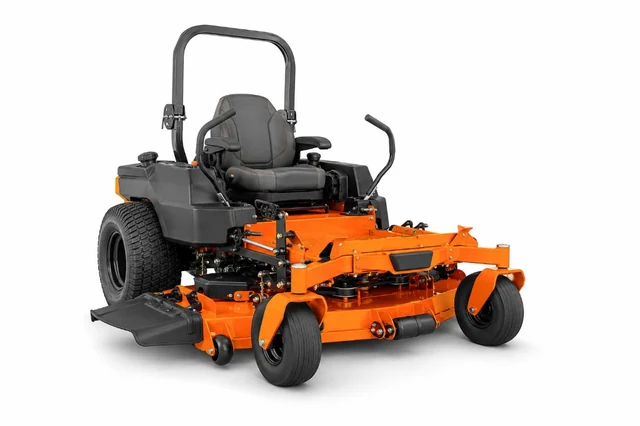
Toro Z Master 4000SN: 33120-2391
487.2 hrsDue in 12.8 hrs
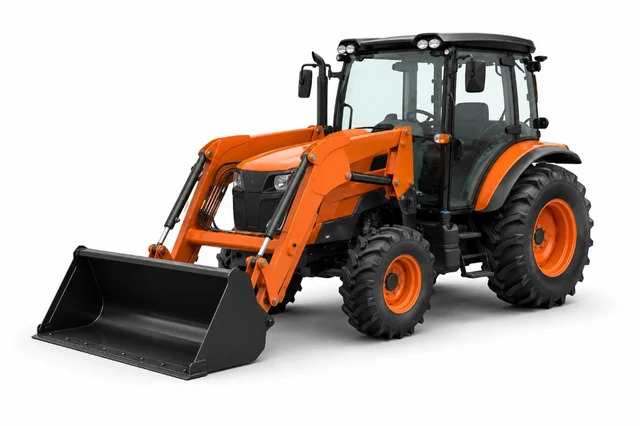
John Deere 1025RSN: 1LV1025RTJJ123456
312.4 hrsDue in 37.6 hrs
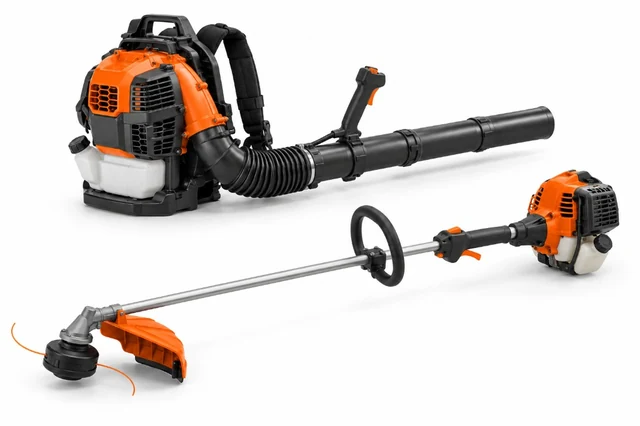
Stihl BR 800SN: 4247-011-1605
156.7 hrsDue in 8.3 hrs
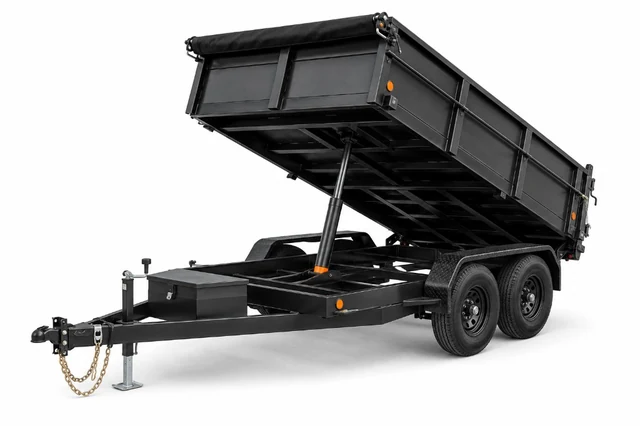
Sure-Trac Trailer #2SN: 5JW1U2025P123789
68.1 hrsDue in 18 hrs
 AssetHours
Scanning this QR with a camera opens the public AssetHours demo page. Activating this control opens an in-browser simulation only; it does not call Production APIs.
Oil change completedToro Z Master logged · next due in 100 hrs
Everything small crews need to reduce downtime.
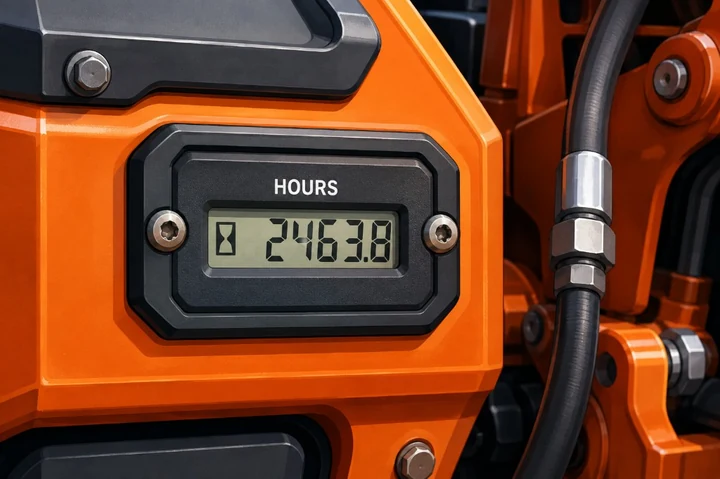
Track Hours
Know usage at a glance with crew meter logging and QR field access.
Schedule
Plan maintenance from usage and calendar requirements.
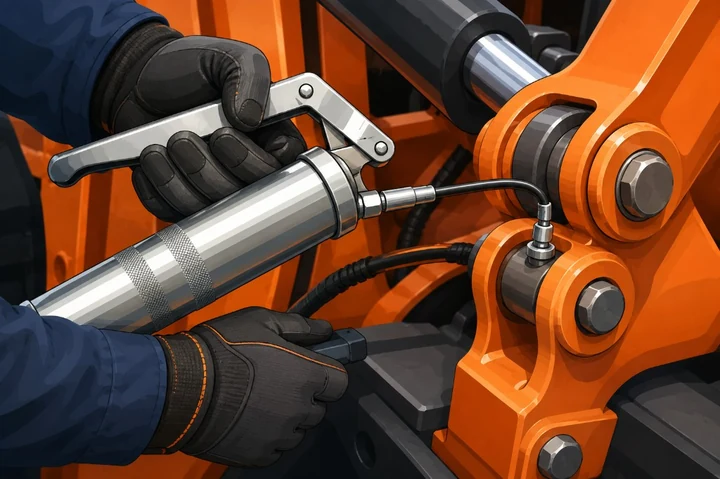
Service
Keep service completions and notes in a trustworthy history.
Stay Ahead
Surface due work and optional email or push digests early.
Works with all your commercial equipment
How AssetHours keeps your fleet running
A focused field workflow for equipment identity, usage, issues, and maintenance attention.
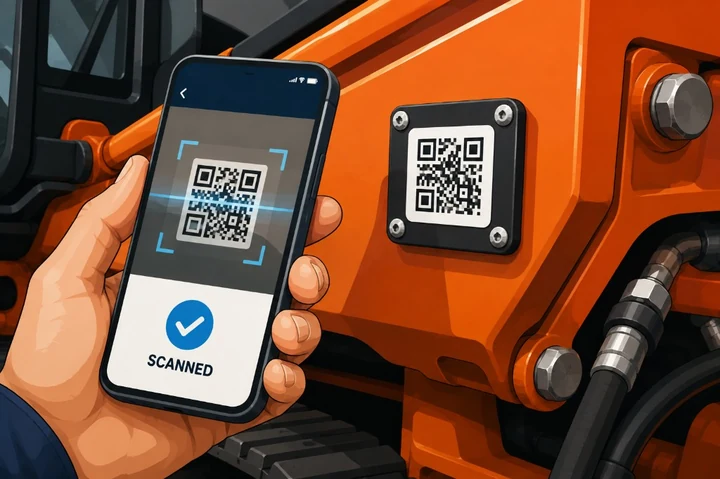
01 Printable QR CodesPrint & Tag Assets in Seconds
Generate opaque QR credentials from the web workspace and attach a durable tag to each asset.
02 Fast Field EntryCrew Logs Hours with Ease
Signed-in organization members scan equipment QR tags and log meter readings or issues with their own accounts—no shared passwords.
03 Maintenance AttentionStay Ahead of Service
Hour and calendar requirements surface due work, with optional email and push digests for managers.
Built for small teams who rely on equipment every day.
Clear, reliable equipment records without generic work-order complexity.
Clear
Plain language for status, due work, and ownership.
Confident
Meter and service history you can trust.
Helpful
Field QR and digests that reduce guesswork.
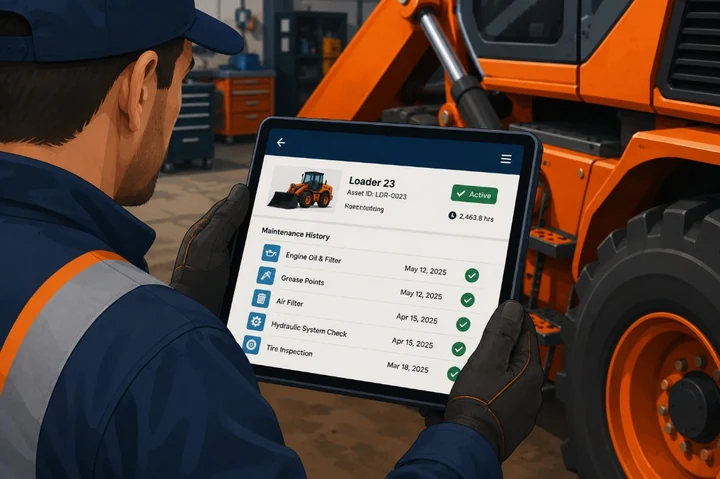
Professional
A durable organization record for every season.
iOS & Android Field Client
Equip your field crew with the AssetHours Mobile App
A field-focused native client for equipment, meter, issue, QR scan, offline queue, and push-preference workflows. Billing, members, and exports stay on the web.
Store listings are not yet publicOffline Field Sync
Queue meter and issue actions when coverage drops, then replay when connected.
QR Field Scan
Scan opaque equipment QR tags to open the allowlisted public equipment profile in the field.
Service Attention
See due work and optional native push preferences in the field client.
Issue Photos
Attach field photos to equipment issues so context travels with the report.
Active Equipment
Simple, honest pricing for hardworking teams.
Start with a 14-day free trial — no credit card required. Paid plans unlock after you subscribe.
Starter Crew
Best for 1–2 CrewsA focused workspace for small equipment crews.
$29/ month billed annually
- Up to 10 active equipment units
- Printable opaque QR tags
- Hour and calendar maintenance tracking
- Operator pairing and issue reporting
- Email and push digest preferences
- Service history and notes
Crew Pro
Most PopularMore capacity and reporting for growing teams.
$59/ month billed annually
- Up to 35 active equipment units
- Everything in Starter Crew
- Company maintenance requirements
- Service history and issue attachments
- CSV exports for authorized roles
- Priority email support
Fleet Commercial
Growing FleetsCommercial presentation for larger equipment fleets.
$119/ month billed annually
- Unlimited equipment units
- Everything in Crew Pro
- Unlimited printable QR credentials
- Operator pairing across the fleet
- Bounded organization CSV exports
- Equipment, meter, service, and issue history
14-day free trial includes Crew Pro capacity. No credit card required to start. Subscribe any time from organization billing settings.
Got questions? We've got answers.
Field work uses organization membership and role capabilities. Public QR tags are opaque equipment identifiers and do not grant organization access. Crew members sign in with their own accounts; passwords are not shared.